Server-side React
Original slide content, adapted from the source deck into static cards.
- 01
Server-side React
@charlespeters
- 02
Server-side rendering your React application means leveraging a server to send an initial render to your client.
- 03
Server-side rendering your React application means not sending your user an empty div, a single bundle, and a prayer.
- 04
- Universal
- Isomorphic
- Environmental
- Client-server
- 05
Isomorphic JavaScript: the future of Web Apps
Spike Brehm, Airbnb Engineering, Nov. 2013
- 06
- Single page apps have a single point of failure.
- Lack SEO.
- Suffer performance concerns.
- 07
7 Principles of Rich Web Applications
Guillermo Rauch, Nov. 2014
- 08
Server-side rendering your React application
- benefits your users in a tangible way
- leverages your existing code
- 09
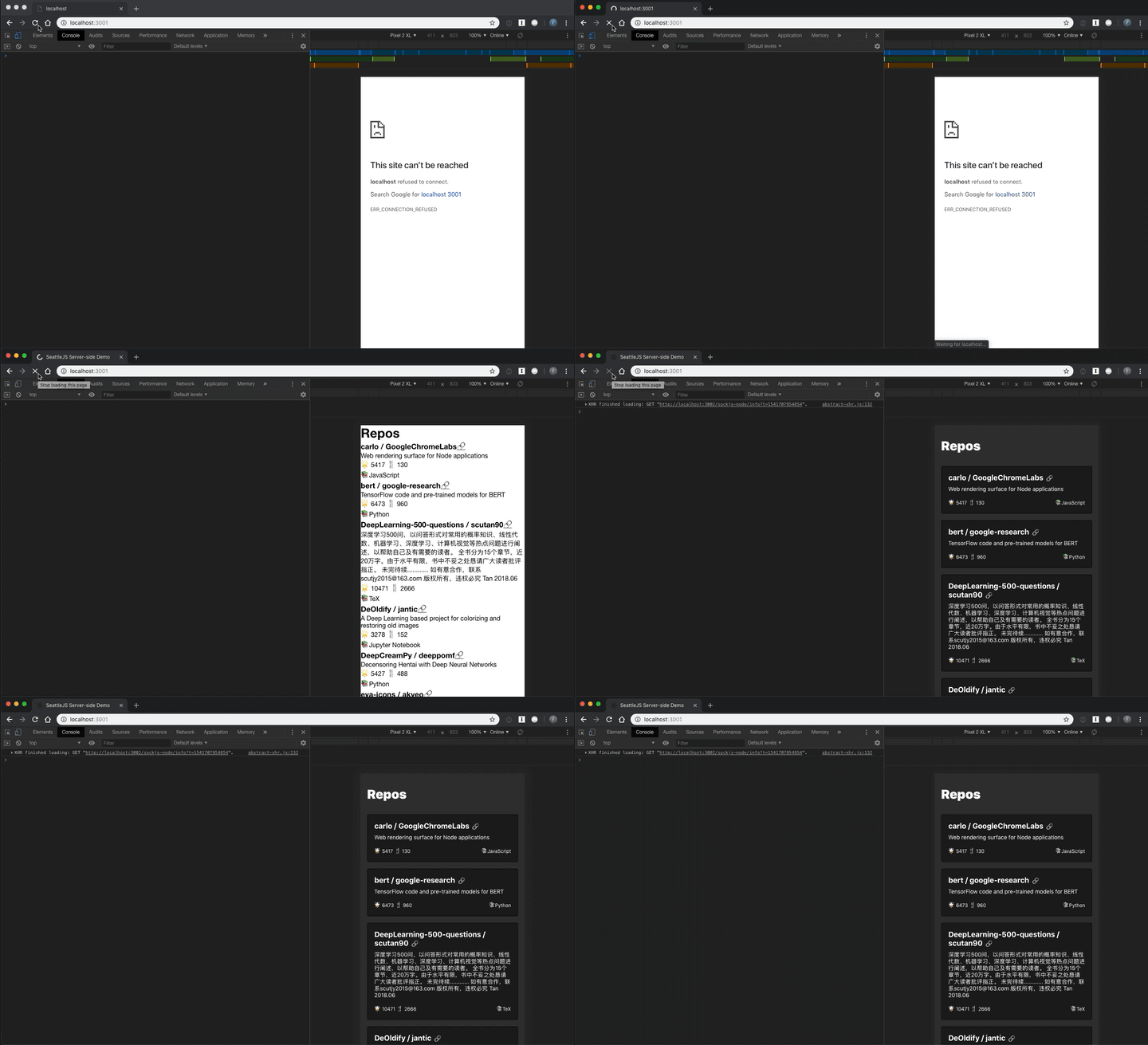
Demo
- 10
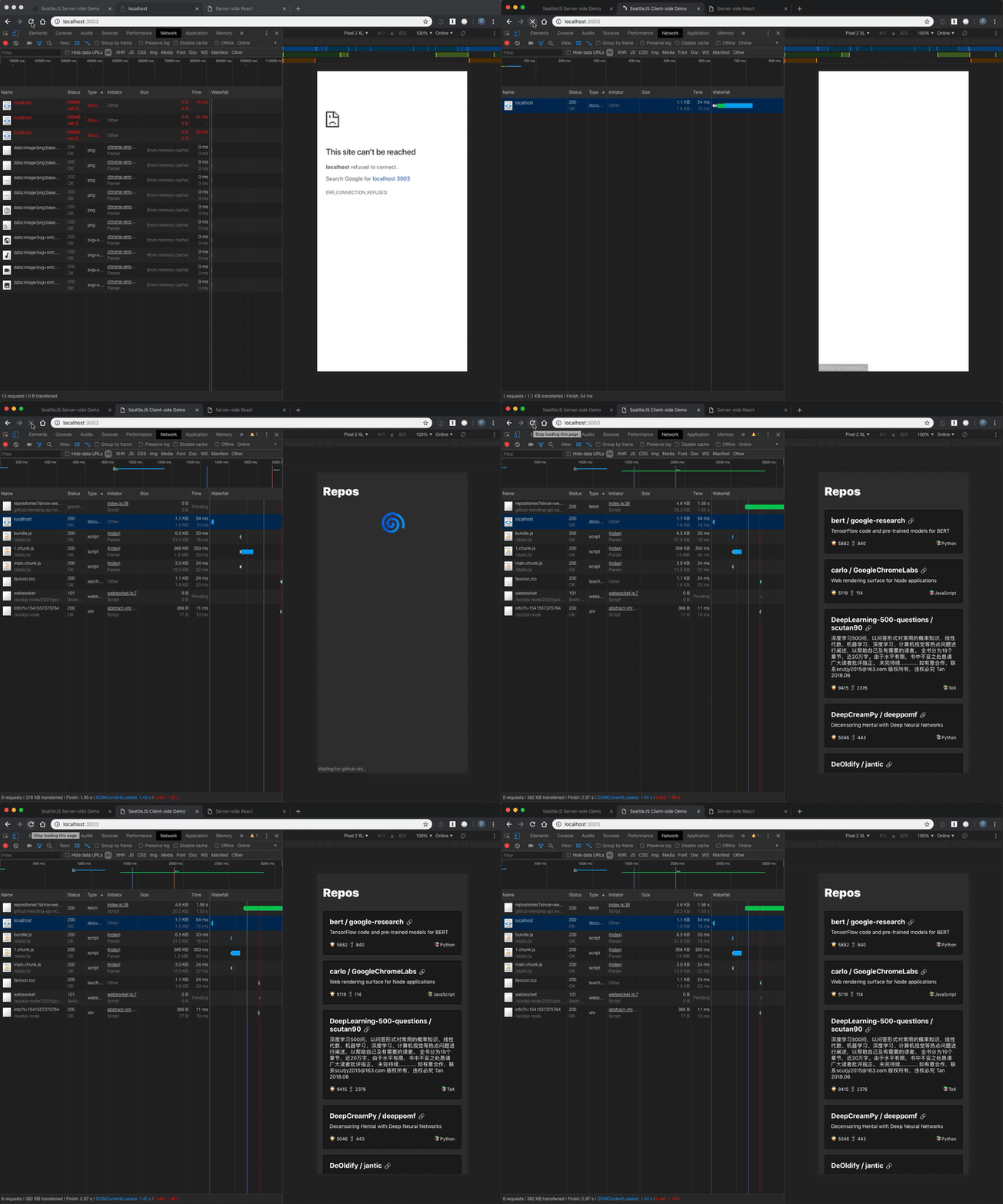
Create React App on a slow connection
- 11
Likely, your client.js
import React from "react"; import ReactDOM from "react-dom"; import App from "./components/App"; ReactDOM.render(<App />, document.getElementById("root")); - 12
And an index.html
<!DOCTYPE html> <html> <head> <meta charset="utf-8" /> <title>SSR</title> </head> <body> <div id="root"></div> <script src="./client.js"></script> </body> </html> - 13
Demo
- 14
The server-rendered app
- 15
import React from "react"; import { renderToString } from "react-dom/server"; import App from "./components/App"; export default function template(props) { return ` <!DOCTYPE html> <html> <head> <meta charset="utf-8"> <title>SSR</title> </head> <body> <div id="root">${renderToString(<App {...props} />)}</div> <script src="./client.js"></script> </body> </html> `; } - 16
Add our template function to our response callback
import express from "express"; import template from "./template"; const app = express(); app.get("/*", (req, res) => { res.status(200).send(template()); }); app.listen(3000); - 17
import React from "react"; import ReactDOM from "react-dom"; import App from "./components/App"; ReactDOM.hydrate(<App />, document.getElementById("root")); - 18
So that was simple, but what about...
- Routing
- Fetching Data
- 19
Considerations
- Components only have a truncated lifecycle: constructor(), UNSAFE_componentWillMount()
- Essentially: no setState()
- matchMedia, localStorage, and fetch are gone, kind of
- 20
Routing
- 21
In the case of React Router
ReactDOM.hydrate( <BrowserRouter> <App /> </BrowserRouter>, ); renderToString( <StaticRouter> <App /> </StaticRouter>, ); - 22
function template({ location, ...props }) { const context = {}; const app = renderToString( <StaticRouter location={location} context={context}> <App {...props} /> </StaticRouter>, ); return `...<div id="root">${app}</div>...`; } app.get("/*", (req, res) => { const markup = template({ location: req.url }); res.status(200).send(markup); }); - 23
Fetching Data
- 24
- Hoist your data fetching outside your application
- Leverage async/await
- Coupling a component's data fetching to its implementation is possible but rough
- 25
Updating our response callback
async (req, res) => { const data = await fetch("endpoint/").then((res) => res.json()); const markup = renderToString(<App {...data} />); res.send(markup); }; - 26
Coupling data-fetching implementation
class App extends React.Component { static async getInitialProps() { const data = await fetch("endpoint/").then((res) => res.json()); return { data }; } } - 27
Authentication
- 28
Cookies
async (req, res) => { const { TOKEN } = req.cookies; const data = await fetch("endpoint/", { headers: { Authorization: TOKEN }, }).then((res) => res.json()); }; - 29
PRO-TIP
Don't travel alone.